Closing your account
What happens when you close your account, how long you have to change your mind, and how to erase everything immediately instead.
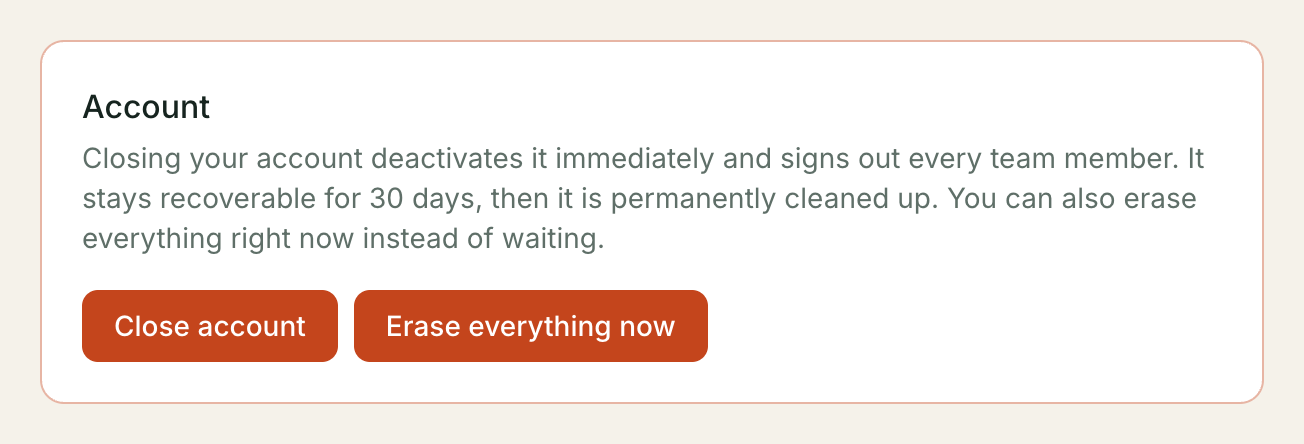
You can close your account yourself, at any time, from your dashboard. Nothing about it needs a support ticket or a phone call. Closing signs everyone on your team out immediately, but your data is not gone — you have 30 days to change your mind before anything starts being cleaned up.
Where to find it: Config in your dashboard, under Account, at the bottom of the page.
What happens when you close
Close account asks you to type your organisation’s exact name to confirm — the same guard against a stray click that the erase option below uses a different phrase for. The moment you confirm, your account is deactivated: nobody on your team — including you — can sign in, and every team member’s session is ended right away, not just yours. Nothing is deleted yet.
You have 30 days to restore it. During that window every assistant, conversation, contact and record is exactly as you left it — restoring puts you straight back where you were.
If you do not restore it within 30 days, the account moves to the next stage automatically: any add-ons you were paying for are dropped, any pending plan change is cancelled, and any phone number attached to an assistant is released (someone else’s assistant can be given it — Exotel numbers are a shared pool, not yours to keep once you have closed). Your data itself is still there.
60 days after you closed, everything is permanently erased — see What gets erased below. There is no further warning before this happens; the 60-day figure is fixed from the moment you close, not from the 30-day mark.
Closing is reversible for 30 days. After that, only the harder parts come back — nothing does. Restoring after day 30 is not possible: the account has already moved past the state restore undoes.
Restoring your account
If you closed by mistake, or changed your mind, sign in again within the 30-day window and go to Config. In place of your usual settings you will see a single Restore my account button — select it. Restoring is immediate: your team can sign back in right away and nothing about your setup has changed.
Restore only works while the account is archived (the first 30 days). Past that point the request is refused — by then the entitlements/add-on cleanup has already run, and there is nothing left in the state restore expects to put back.
Erasing everything immediately
If you would rather not wait, Erase everything now on the same screen
skips the 30/60-day schedule and deletes everything at once. This is for
tenants who want their data gone today, not tenants who are unsure — closing
and waiting is the reversible option; this is not. Type erase everything to
confirm, then Sign in again and erase.
Because this is the single most destructive action available on the platform, it asks you to sign in again first — a Google sign-in popup, the same one you use to sign in normally. A session that is more than five minutes old is not enough, even if you are already signed in; the popup runs again immediately before the erase does. This is deliberate: it means erasing your account can never be triggered by a stale tab, a stolen link, or someone else at your keyboard using a session you forgot to sign out of.
⚠️ If you sign in with a phone number rather than Google, you cannot re-authenticate for a purge today. The fresh sign-in step is Google-only, so an admin with no Google-linked sign-in sees “Purging your account requires a fresh sign-in with your Kooday account” with no way past it. The 30-day close-and-wait path has no such requirement and works for every admin — contact support if you need an immediate erase and cannot complete the Google popup.
⚠️ There is no undo, and no support-desk recovery either. Once you confirm, the erase runs immediately and cannot be reversed by you, or by us.
What gets erased
Every assistant, conversation, contact, deal, call recording, and knowledge-base document this account holds — deleted in one pass. This happens automatically 60 days after closing, or immediately if you choose Erase everything now.
Two kinds of record are kept even after everything else is gone:
- Invoices we have already issued to you stay retained, unchanged, for 72 months. This is a GST requirement, not a choice we’re making — Indian tax law requires an issued invoice to be kept for that long, so it survives your own erase request the same way it would survive ours. Everything else about your usage — the calls and conversations an invoice was calculated from — is erased on the normal schedule; only the invoice document itself is kept.
- Nothing about you can be re-used to open a second trial. The identity behind your sign-in (not your business name — that part is gone) is kept so the same person cannot close an account and immediately start a fresh free trial with it. Our own record that your account was closed and erased, and when, is also kept — the audit trail of the action itself, not of what you did inside the product.
⚠️ Opt-out history is NOT separately retained. If a customer had asked not to be messaged, that record is erased along with the rest of your contacts once the account is purged — it does not outlive your data the way an invoice does. Export anything you need to keep before you erase.
Your organisation’s name and the web address it used are cleared as part of the erase, so they are no longer tied to any of this — but they do not become available for someone else to claim immediately; a closed account’s identity is retired, not recycled.
FAQ
Does closing cancel my billing? Yes — closing deactivates the account immediately, and nothing further is charged.
What happens to my phone number? It stays yours for the first 30 days (an archived account can restore with everything intact). After that it is released back to the shared pool and can be assigned to a different tenant. If you need to keep a specific number, port it out or note it down before the 30 days are up.
Can support restore my account for me after 30 days, or reverse an erase? No. Both are enforced the same way for every tenant, including us — there is no operator override that reaches back in once either deadline has passed.
I have more than one assistant. Does closing affect them individually? No — closing is account-wide. There is no way to close one assistant’s history while keeping the rest of the account open; if you only want to retire one assistant, archive or delete that assistant instead and leave the account open.
Still stuck? We answer support mail the same working day.
Email support